PingTi Arm
 B
BAbout this program
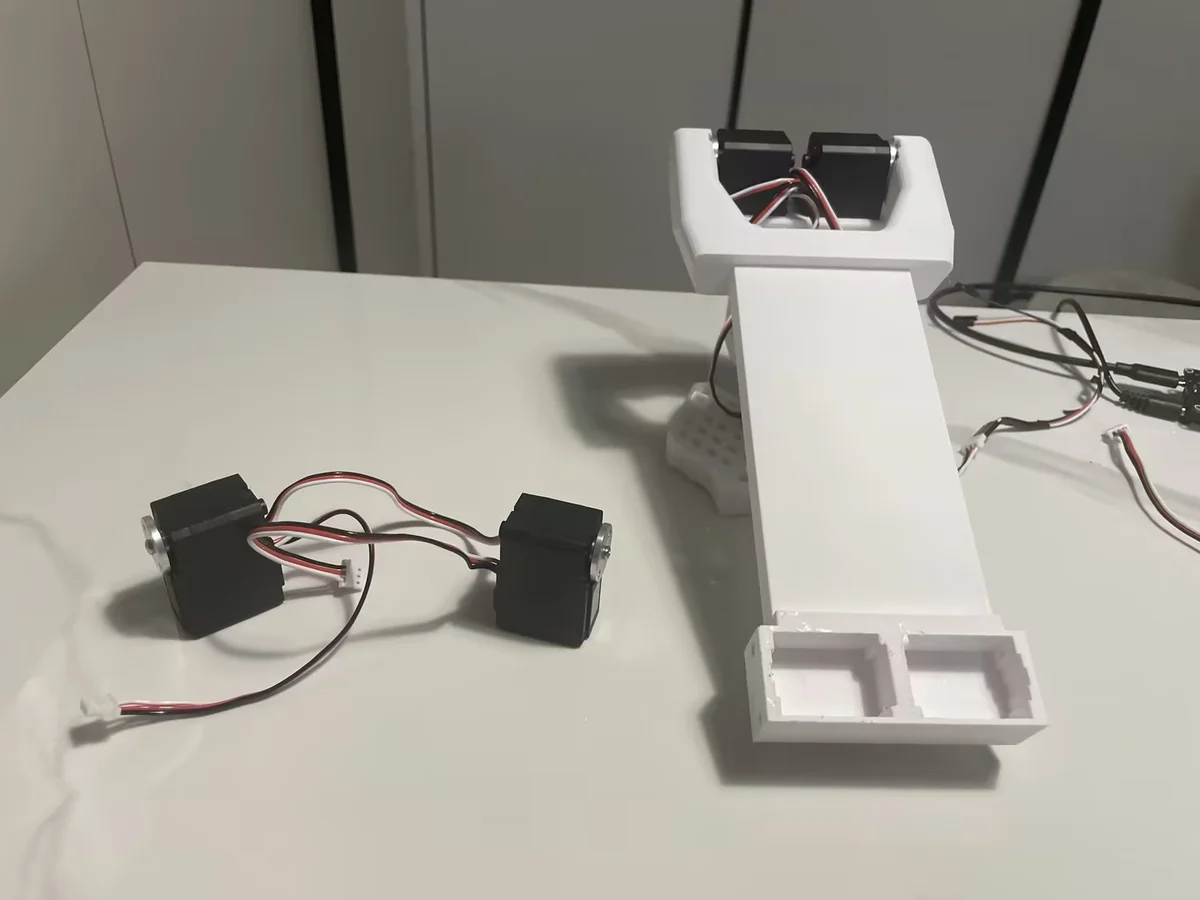
PingTi Arm is an open-source, human-scale robotic arm built for affordability and compatibility with the SO-ARM100 ecosystem. Its name comes from the Chinese "平替" (píng tì), meaning "affordable substitute" — the arm delivers human arm proportions at a fraction of typical robot arm costs.
Designed to be fully compatible with Hugging Face's LeRobot framework, PingTi Arm supports teleoperation, imitation learning data collection, and policy deployment out of the box via the pingti_lerobot_bridge SDK.
Key specs:
- Reach: 600mm arm span (excluding end effector)
- Payload: Up to 500g at full extension
- Joints: 6 DOF: base yaw, dual-motor shoulder pitch, elbow pitch, wrist pitch, wrist roll + gripper
- Servos: STS3215 Feetech serial bus smart servos (same family as SO-ARM100)
- Build cost: ~$261 single arm | ~$390 leader-follower pair
- SO-100 upgrade path: If you already own an SO-100 arm (12V, 30kg.cm variant), you only need 2 additional servos + a USB drive board (~$157) to assemble PingTi
- Simulation: Full URDF and collision meshes included for MuJoCo/Isaac Sim
Why human-scale? Most low-cost robot arms (SO-100, Koch v1) are tabletop-scale. PingTi Arm's 600mm span covers real desktop-manipulation tasks — grasping objects at the edge of a table, pouring, stacking — that shorter arms can't reach without repositioning.
LeRobot integration: Connect PingTi Arm as a follower in a leader-follower teleoperation setup using SO-100 as leader. Record demonstrations, train ACT or Diffusion Policy, and deploy. The pingti_lerobot_bridge repo provides all the calibration and control scripts.
Hardware and software licensed under Apache 2.0. Original design by nomorewzx — https://github.com/nomorewzx/PingTi-Arm
Printing
This list contains the 12 STL parts from the official PingTi Arm stl_3d_printing/ folder — exactly what's needed to print one single arm. Printed in PETG (Bambu A1 reference), 0.2mm layers, 13% infill, supports on. ~600g filament, ~20 hr total.
Print one of each (10 required parts):
- base_link_from_so100.stl, base_link_idle_clamp_from_so100.stl, base_link_servo_mount_frame_from_so100.stl — base assembly (these three are reused from the SO-100 design)
- base_yaw_link.stl — base yaw joint
- shoulder_link.stl — shoulder extension link
- elbow_link.stl — elbow extension link
- wrist_pitch_link_from_so100.stl, wrist_roll_from_so100.stl, wrist_servo_mount_frame_from_so100.stl — wrist + gripper assembly (reused from SO-100)
- moving_gripper_from_so100.stl — gripper jaw
Optional alternates (2):
- shoulder_link_alternate.stl and elbow_link_alternate.stl are slightly shortened versions of the shoulder/elbow links designed to print flat (horizontally) on a Bambu A1 bed, mimicking the SO-ARM101 design. Print these instead of the standard shoulder_link/elbow_link if your bed can't fit the taller standard links — not in addition.
Note on "_from_so100" parts: The suffix only means the design file was copied unchanged from the SO-100 repo. They are still required prints for every PingTi build — this is a single build path, not a separate variant. The "SO-100 upgrade path" mentioned in the specs refers only to reusing servos/control board you may already own (you still print all the same parts).
Removed from the previous list: simulation/URDF meshes (*_1.stl duplicates such as elbow_link_1, shoulder_link_1, moving_gripper_1, wrist_link_1, gripper_mount_1, and the large sim base_link.stl) and the 8 STS3215_* servo-body reference meshes — none of these are printed parts (the servos are purchased; sim meshes are for MuJoCo/Isaac visualization only).
Servos (not printed): 7× STS3215 — base yaw ×1, shoulder pitch ×2 (dual motor), elbow ×1, wrist pitch ×1, wrist roll ×1, gripper ×1.
🖨 Print Files (12)
base_yaw_link.stl
base_link_from_so100.stl
elbow_link.stl
moving_gripper_from_so100.stl
wrist_roll_from_so100.stl
shoulder_link.stl
Required Hardware
| Qty | Part | Est. Unit Cost | Notes |
|---|---|---|---|
| 7 | STS3215 Feetech Serial Bus Servo (7.4V, 20kg.cm) | ~$14–18 | Base yaw (×1), shoulder pitch (×2), elbow (×1), wrist pitch (×1), wrist roll (×1), gripper (×1) |
| 1 | Waveshare Serial Bus Servo Driver Board | ~$16–20 | USB serial control board for STS3215 bus |
| 1 | 12V DC Power Supply (5A, 5.5×2.1mm) | ~$10–12 | Powers servos; 12V required for 30kg.cm variant |
| 1 | USB-C Cable (2-pack) | ~$7 | Connects control board to host PC |
| 1 | M3 Screw Assortment Kit | ~$10 | M3×8, M3×12, M3×16 cap-head for arm assembly |
| 1 | 3D-Printed Links | — | Print from provided STL/3MF files; ~600g filament |
Estimated total: ~$150–200 (single arm, excluding filament and tools). A leader-follower pair using SO-100 as leader is ~$390.